
A look inside...
Features, screenshots and how it works.
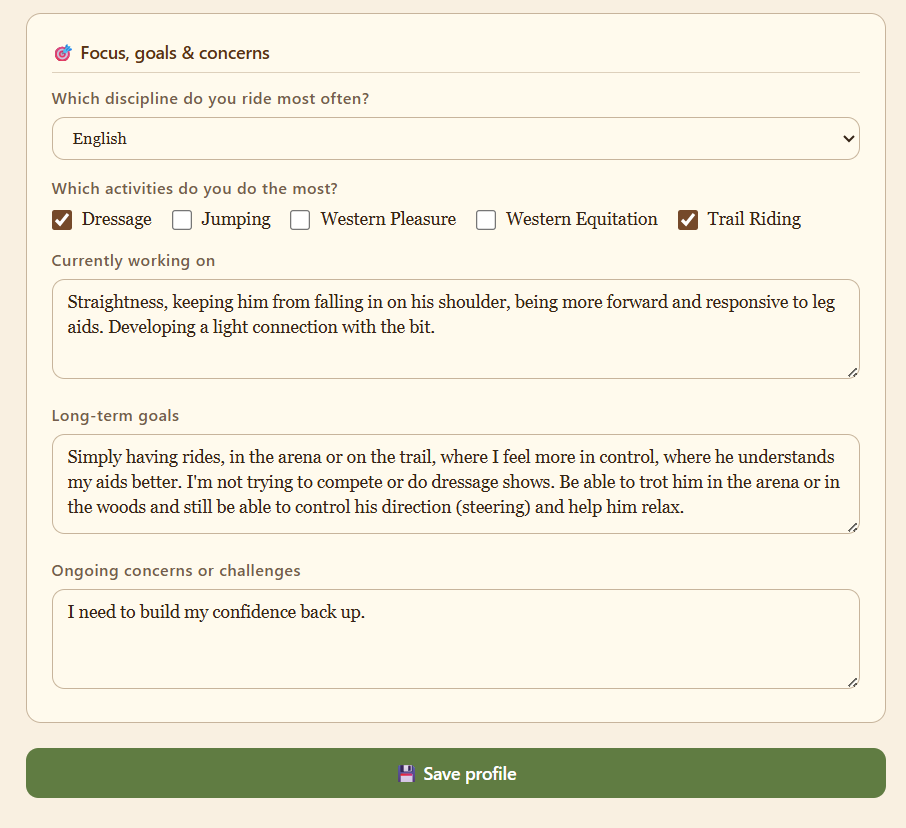
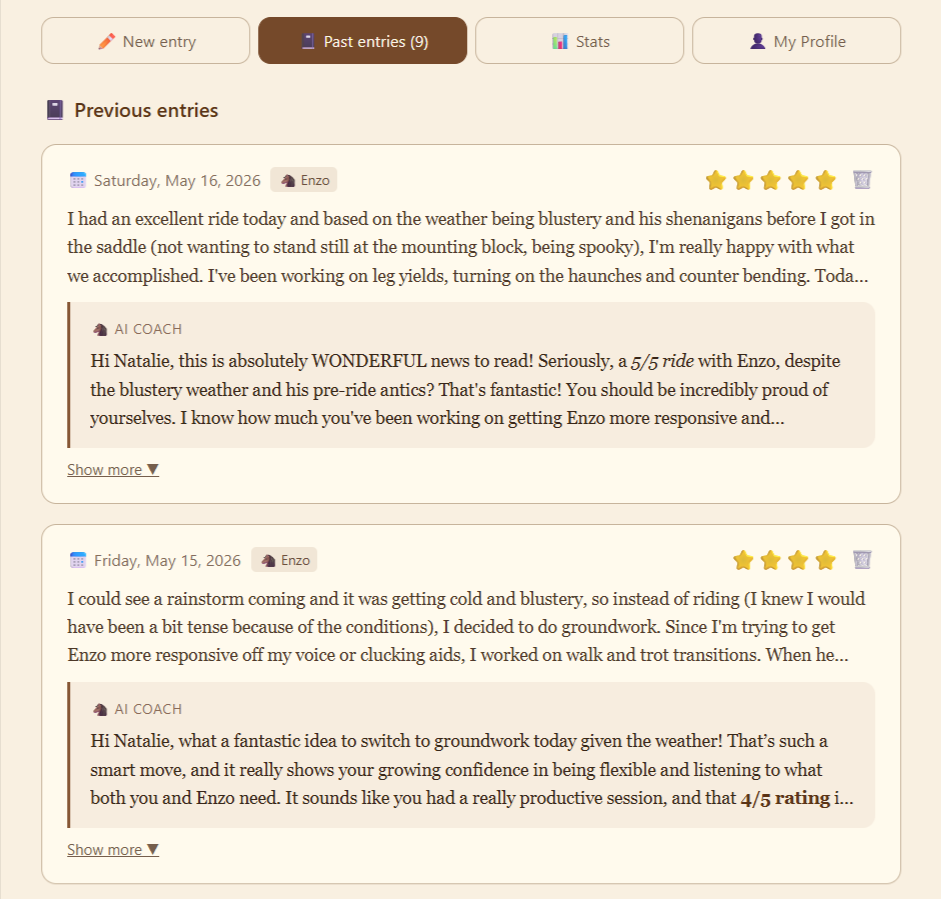
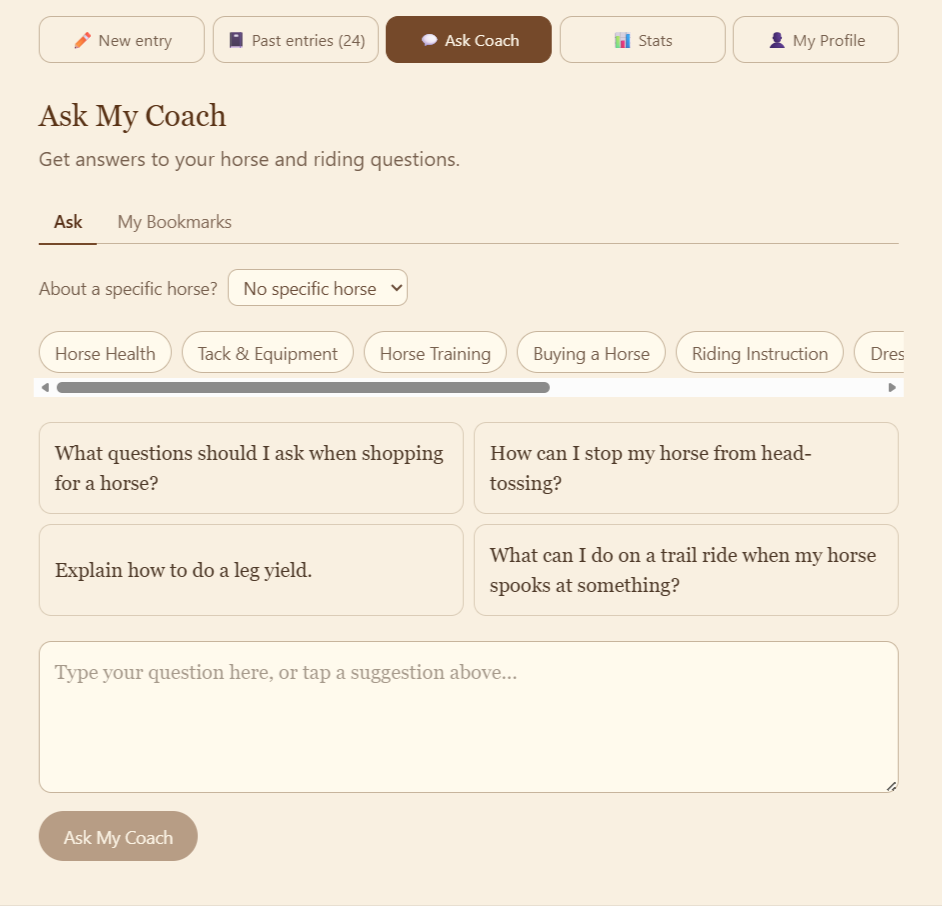
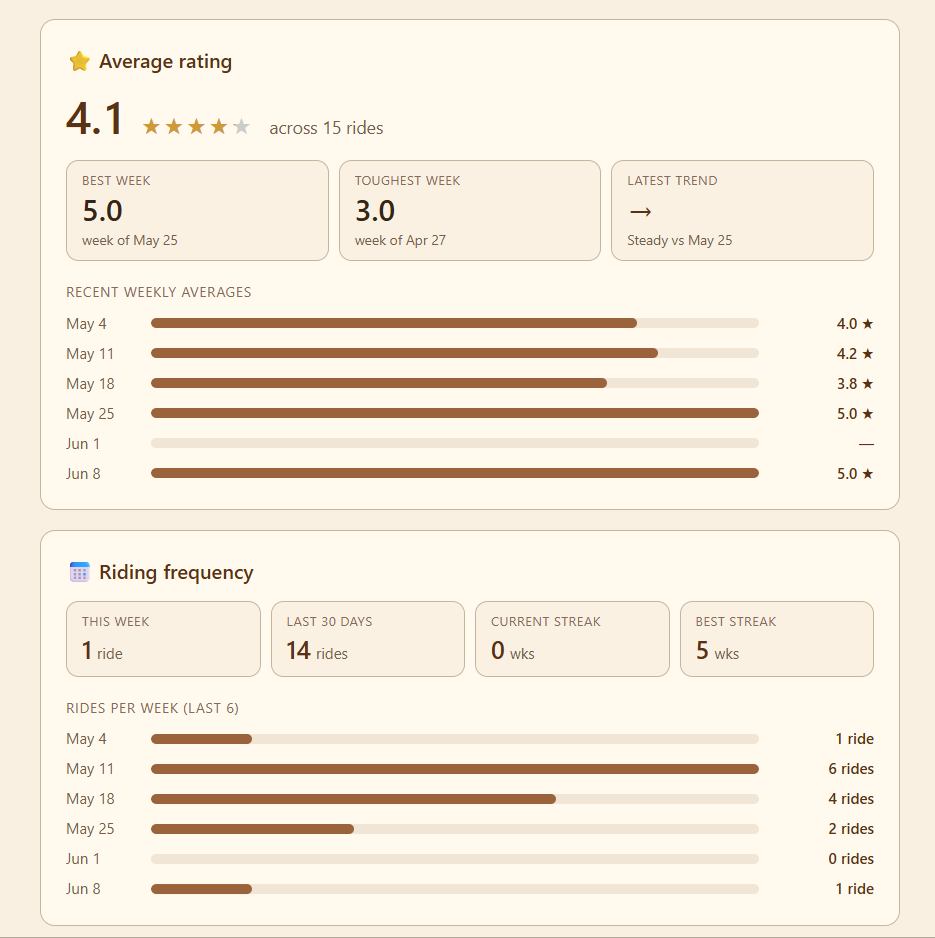
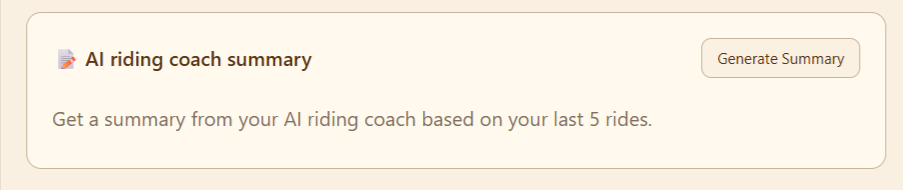
A walkthrough of My Riding Coach, from setting up your profile to logging rides, reading your coach's response, viewing past entries and checking out your stats.
My Riding Coach - your personal AI riding coach.🐴
We all know that feeling of climbing out of the saddle overwhelmed, unsure what to focus on or where to start. My Riding Coach helps you cut through the noise and ride with more intention, one session at a time.
Here's what your AI coach does for you:
- Keeps you focused and grounded. No more riding in circles (literally or figuratively) without a clear purpose. 🎯
- Gives you specific, targeted guidance based on your overall goals, a current challenge you're working through, or something your instructor is actively focusing on with you.
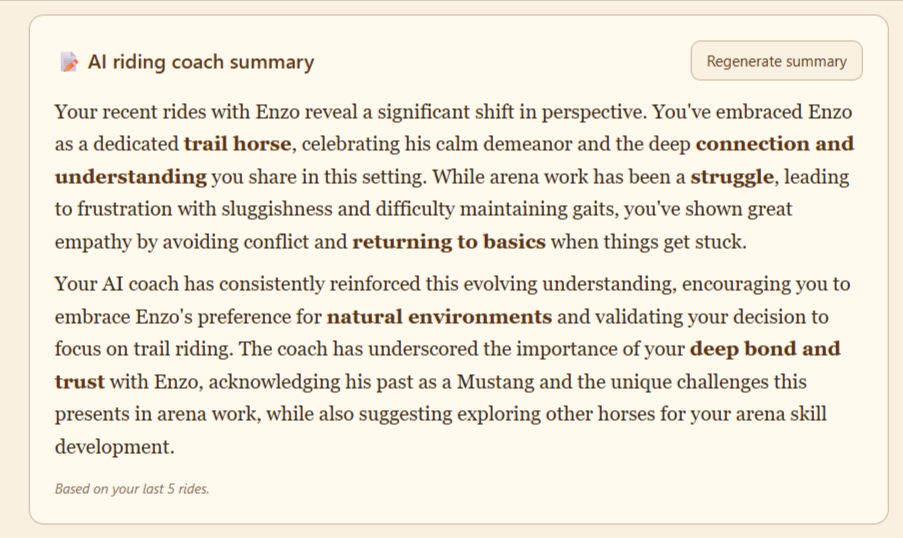
- Remembers what you've shared, such as past entries, your horse's tendencies, your wins and struggles, and brings it into context with every new response.
- Helps you prepare before you ride. Use the Pre-Ride Plan to ask questions like "What exercises can I do at the walk and trot to stop my horse from falling in on the circle?" and get a focused, personalized answer before you even tack up.
- Works for groundwork sessions too, not just rides! 😊
- Your riding coach gets even better the more you use it. The more honestly you write about your rides, the more tailored and insightful your coaching responses become.
My Riding Coach is a riding journal and a coaching system, all in one place, built by real riders who love riding and spending time with their horse as much as you do! ❤️
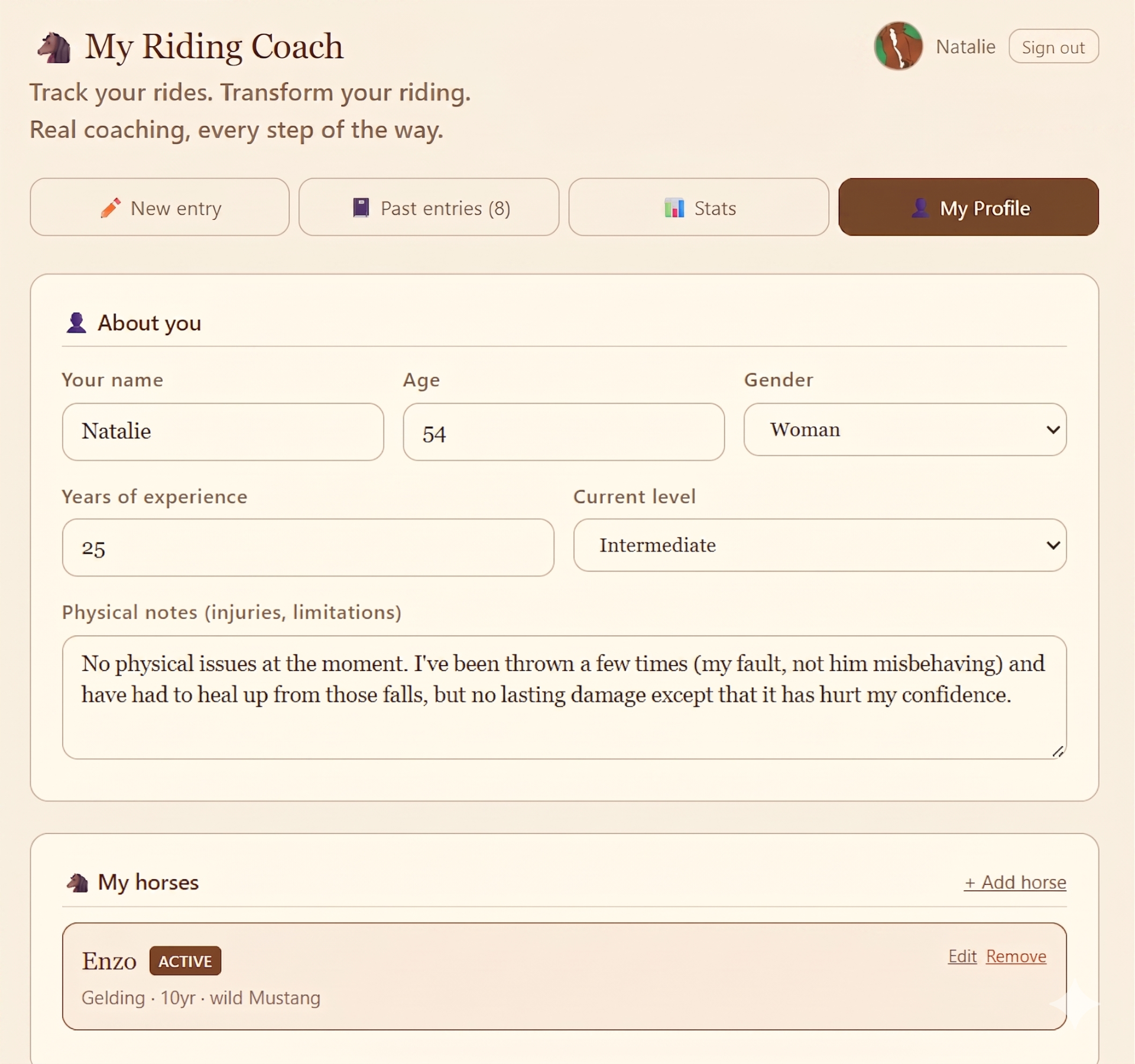
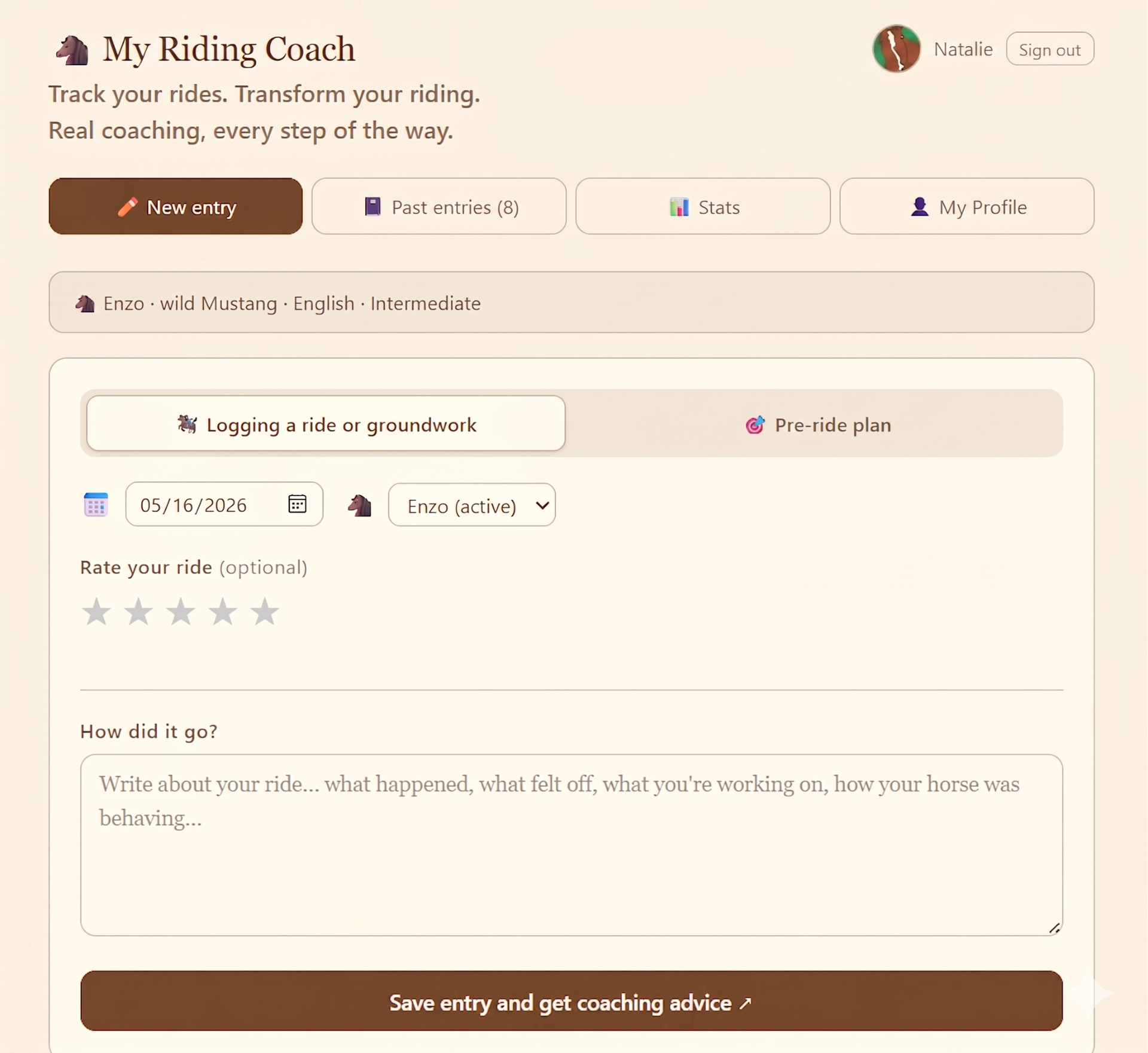
- Choose the type of entry: When you're ready to add an entry, choose either riding/groundwork or a pre-ride plan.
- Choose the date. You can choose a date in the past if you're writing about a ride that already happened.
- If you have two horses, choose which horse you're creating an entry for.
- Rate your ride! A 1-start is a bad ride and a 5-star is a great ride. A 3-star ride might mean there were no incidents or accidents, but your horse was being stubborn and hard to control.
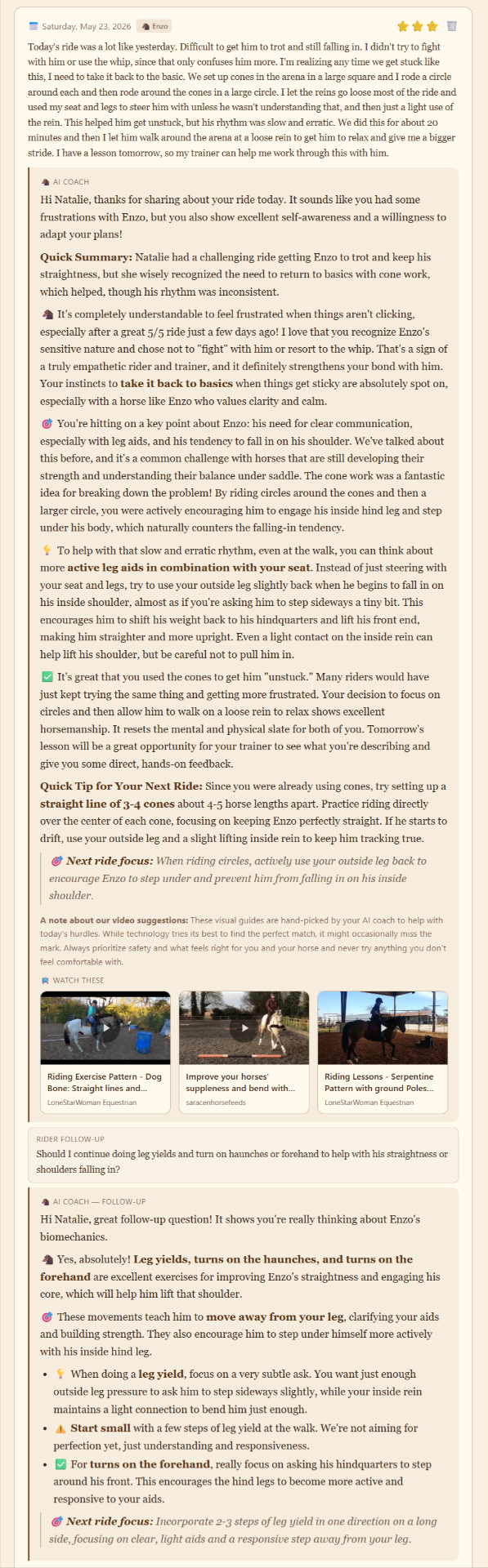
- Write about your ride, then click on the "save entry and get coaching advice" button to receive a response from your personal AI riding coach.
- Dive deeper or ask a question by using the follow-up field.
- If you're using the web app on your phone, you can use your phone's "speech to text" feature to talk about your ride instead of typing it. (Helpful tip - double check the transcription to make any corrections before submitting so the AI truly understands what you're talking about.)
- Use the pre-ride plan before a ride to talk about what you want to work on or ask "what should I focus on today" based on recent entries.
Ready to ride with more intention? 🐴
Start your riding journal and get personalized AI coaching after every ride.